Anas Al Emadi1.0
Publisher Description
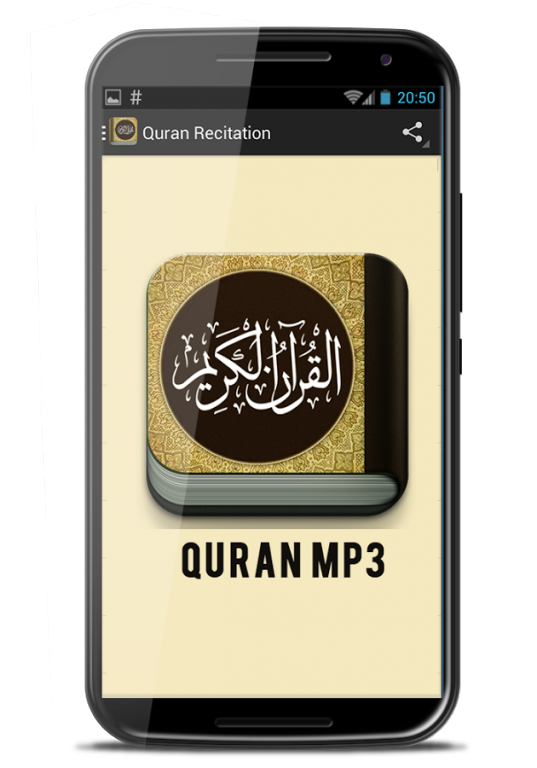
Anas Al Emadi mp3 Quran is an Islamic app for listening to chant the holy verses of the Quran which delivered by Anas Al Emadi. By using this application you can listen to the Quran full Quran directly from your favorite android device both offline and online. By chanting holy verses of the Quran app users may add faith to Allah SWT.
This is a Free Anas Al Emadi Holy Quran. Some features of this application include:
- Full quran recitation by Anas Al Emadi
- Easy play, repeat, loop, random
- You can bookmark your favorite surah
- You can play it online or download it and play it offline
- You can download your favorite surah
- Downloaded audio quran will save in your device memory
- Applications Anas Al Emadi mp3 quran has a lightweight design and easy to use all ages.
Good luck with this Quran application. Hopefully can provide benefits in the world and the hereafter. Aamiin. Get the app also quran reciters audio from all the famous visit our developer page.
About Anas Al Emadi
The company that develops Anas Al Emadi is Quran Apps. The latest version released by its developer is 1.0. This app was rated by 6 users of our site and has an average rating of 3.7.
To install Anas Al Emadi on your Android device, just click the green Continue To App button above to start the installation process. The app is listed on our website since 2016-08-12 and was downloaded 113 times. We have already checked if the download link is safe, however for your own protection we recommend that you scan the downloaded app with your antivirus. Your antivirus may detect the Anas Al Emadi as malware if the download link to coranmp3.quranrecitations.anasalemadi is broken.
How to install Anas Al Emadi on your Android device:
- Click on the Continue To App button on our website. This will redirect you to Google Play.
- Once the Anas Al Emadi is shown in the Google Play listing of your Android device, you can start its download and installation. Tap on the Install button located below the search bar and to the right of the app icon.
- A pop-up window with the permissions required by Anas Al Emadi will be shown. Click on Accept to continue the process.
- Anas Al Emadi will be downloaded onto your device, displaying a progress. Once the download completes, the installation will start and you'll get a notification after the installation is finished.
